

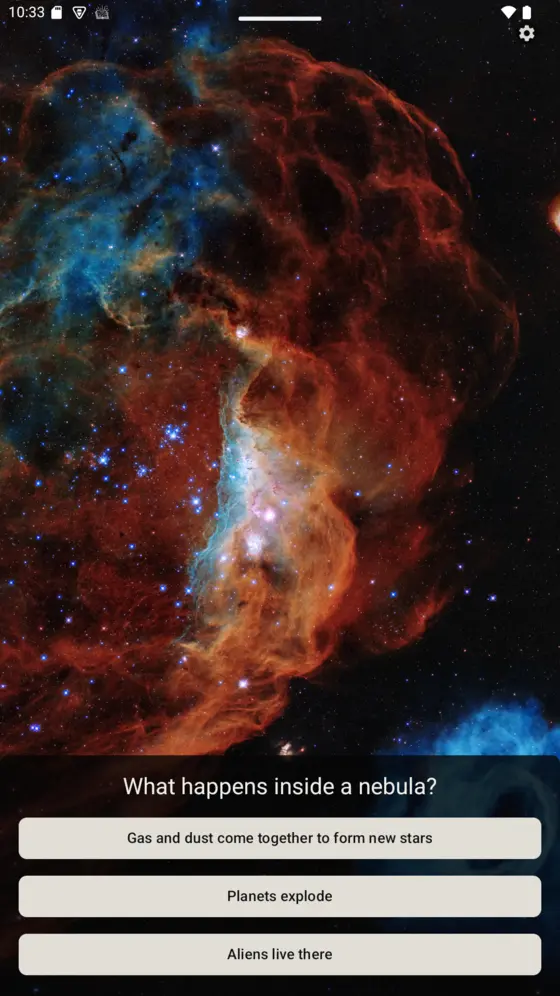
Question · Choices
Ask, and check
Multiple choice: Pick the right answer from a set of options. A correct choice completes the slide. Use for first passes and quick review.
Flagship · Android · Paid once
MindFeast: Lock Screen shows parent-curated slides: questions, art, music, essays, and gratitude prompts, the moment your child turns on the tablet. Complete a slide, and the device opens as usual. You choose the material.
Buy the core app once No ads No tracking
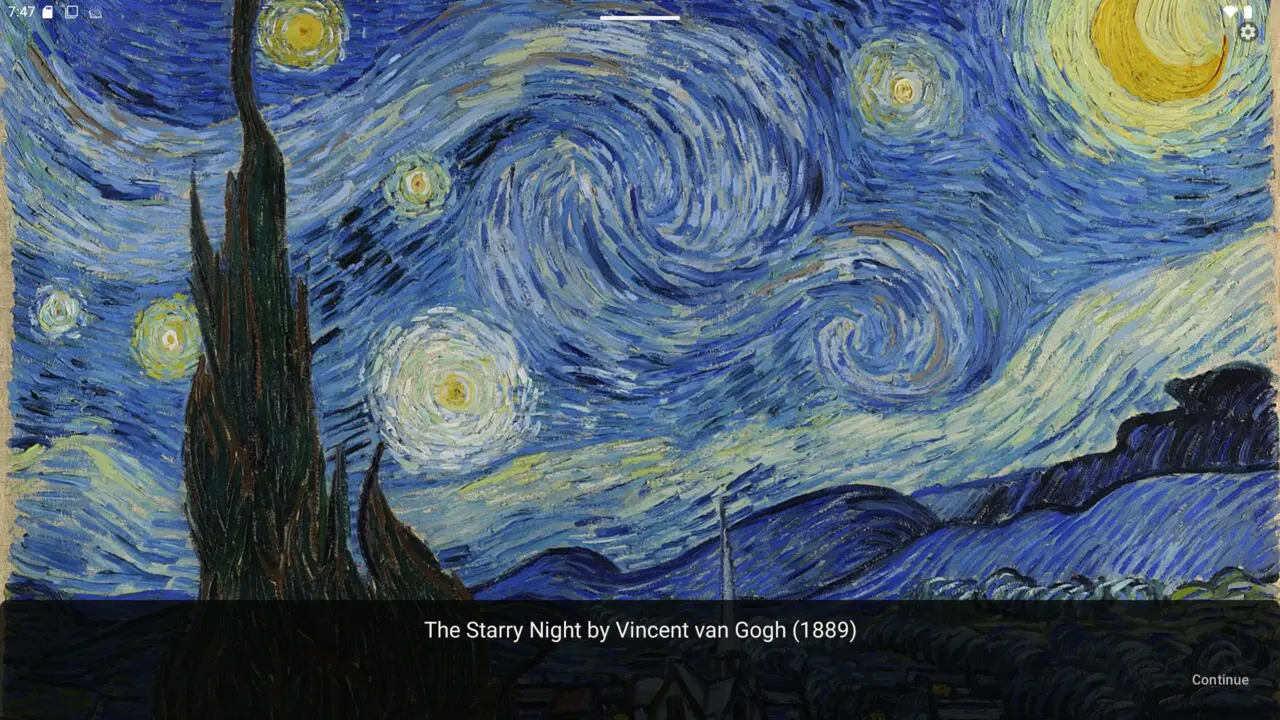
Van Gogh at the unlock — slides present in portrait and landscape.
The heart of it
Not every encounter should be a test. MindFeast supports various slide types for different types of engagement.
Question · Choices
Multiple choice: Pick the right answer from a set of options. A correct choice completes the slide. Use for first passes and quick review.
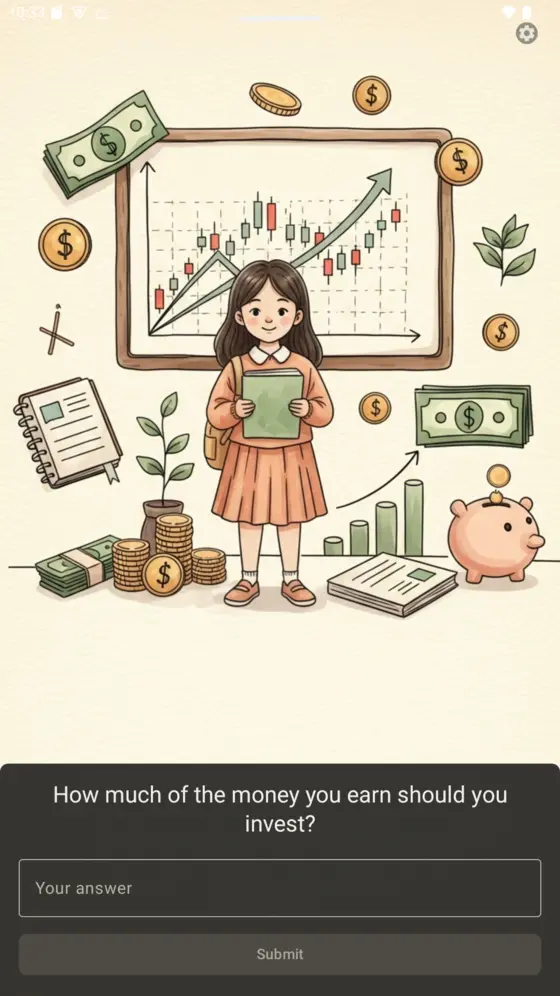
Question · Typed
No options given. The child answers from memory, with accepted variants and optional hints keeping it fair. Harder than multiple choice.
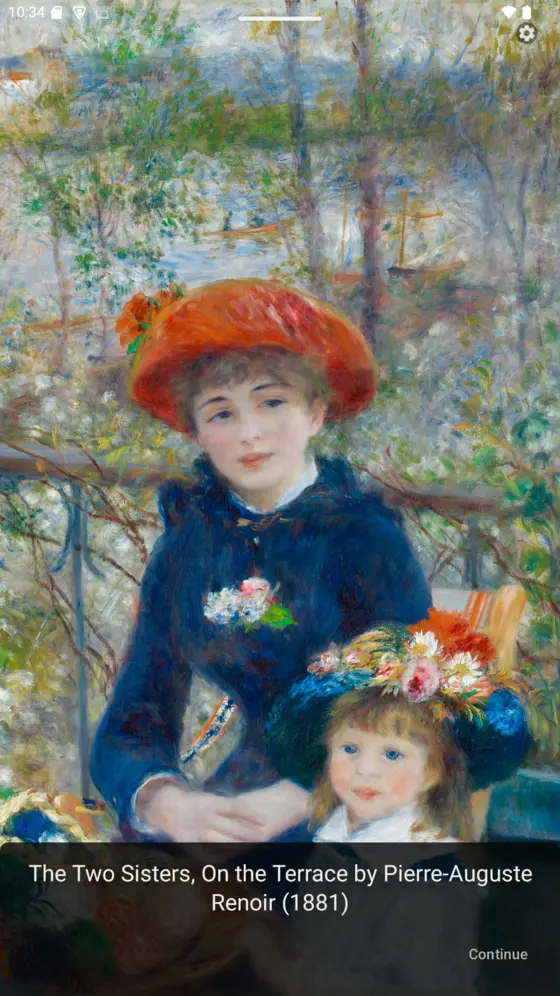
Informational
Art, nature, maps, and passages shown full-screen. The child looks, reads, and continues. Picture study lives here.
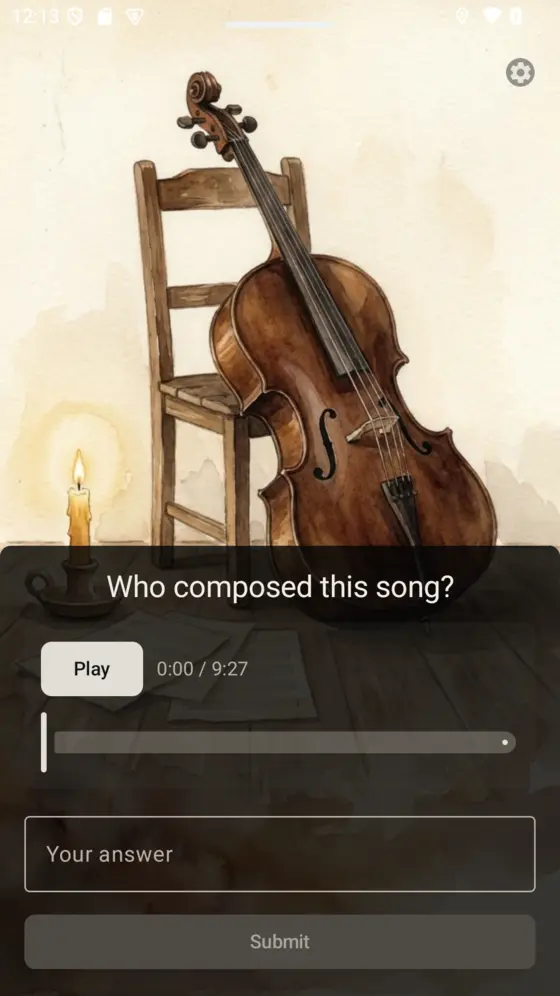
Audio
A movement plays before the screen opens: Bach, Chopin, a poem read aloud. Ask who composed it, or simply let it play. Composer study lives here.

Essay
An open-ended prompt answered in the child’s own words. Any response completes it, the writing is kept for you, and the prompt retires. A one-time assignment.
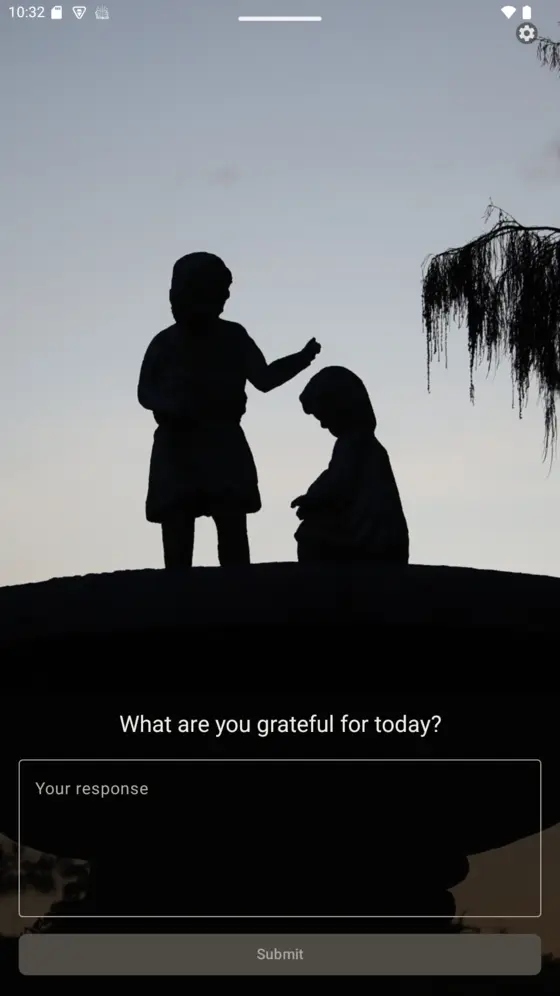
Gratitude
Create a recurring gratitude practice. Entries accumulate in a gratitude journal only a parent can read.
Parents hold the keys
Activate and retire slides whenever you like, and require one or several per unlock. This week’s history on Monday; Renoir by Friday.
Completion stats, essay responses, and the gratitude journal wait behind a PIN-protected parent admin screen.
Slides take your images and audio, or media from a URL. Grandma’s watercolor painting is as first-class as a museum’s Renoir.
Slides present in portrait and landscape, sized for phones and 10-inch tablets alike.
Respectful economics
The core app is a one-time purchase. No advertising, no tracking, no engagement metrics.
Get it on Google PlayOne-time purchase No ads No tracking
Honest answers
No. MindFeast doesn’t count minutes or block apps. It redirects a moment that was already happening: the screen time you allow now begins with something you chose. Limiting screen time is still ideal. MindFeast is for the screen time that happens anyway.
No, slides cannot be skipped. The device unlocks after the required slides are completed. You set how many slides are required.
Mostly from you. A few starter slides are included, but the majority of content should be created by you, for your child. You can make slides by hand or with AI assistance, and first-party packs are planned.
Android phones and tablets. Slides live on the device; AI-assisted authoring calls Gemini only when you use it, with your own API key.
Also from MindFeast
Open source · AI agent
AI assistant to help with homeschooling tasks
MindFeast · Spelling
Spelling help for kids
Atmosphere · Education
Have your child wake to an atmosphere of education