

Parent agency
You create and curate the material you want your child to see: paintings, audio, questions, prompts, and passages for your child's learning and growth.

MindFeast · Lock Screen for Android
Buy the core app once No ads No tracking

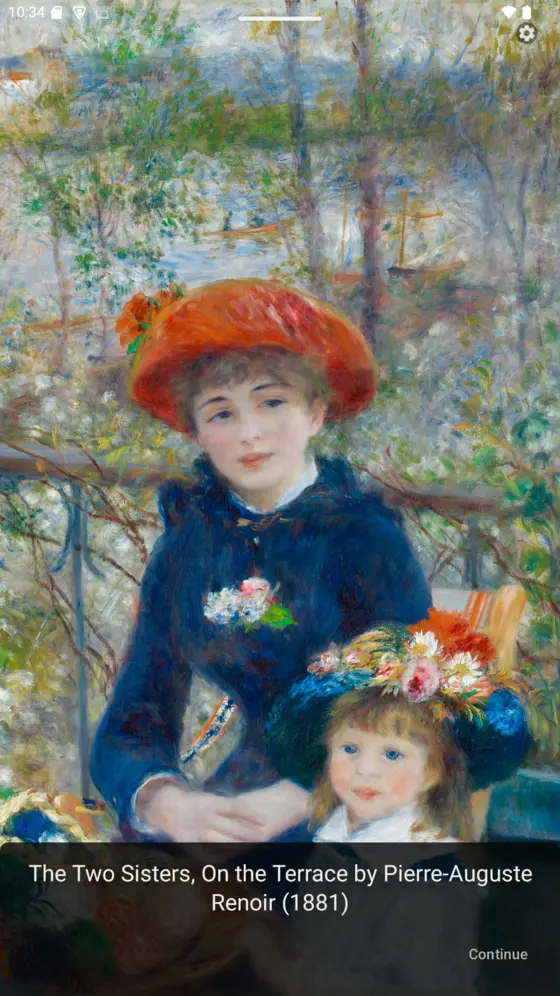
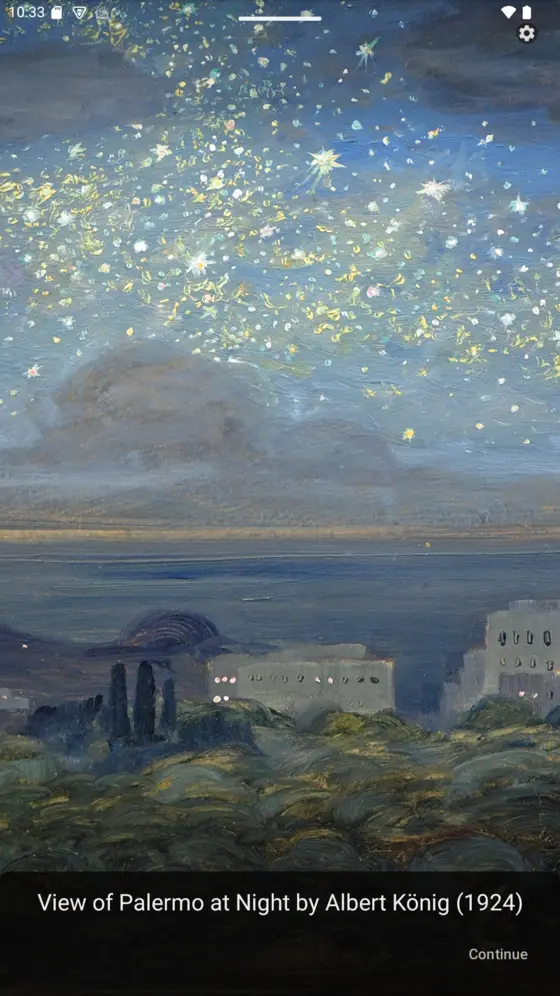
Albert König, View of Palermo at Night (background), Renoir, The Two Sisters, On the Terrace (center)
What MindFeast does
Children are shaped by what they're repeatedly exposed to. MindFeast puts parents in charge by replacing device content with material they choose.
You create and curate the material you want your child to see: paintings, audio, questions, prompts, and passages for your child's learning and growth.
Art, nature, music, poetry, geography, and memory work are first-class content, not rewards for finishing drills. The lock screen can hold Renoir as easily as it holds a math problem.
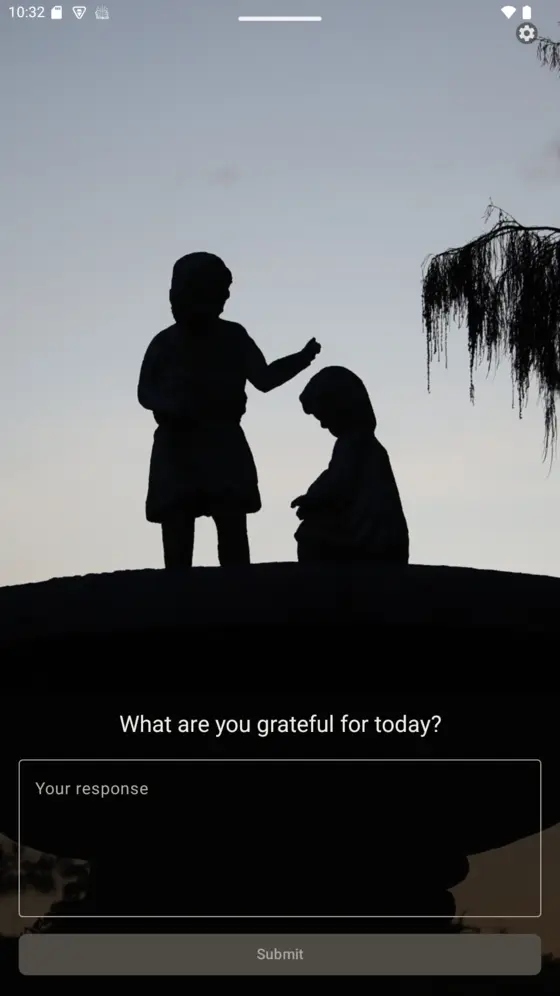
Question slides check answers. Informational slides simply present information. Essay slides invite narration and reflection. Gratitude slides build a quiet, recurring gratitude practice with a journal the parent can read.
Buy the core app once and own it. No advertising, no tracking, no engagement metrics and no subscription holding features hostage.
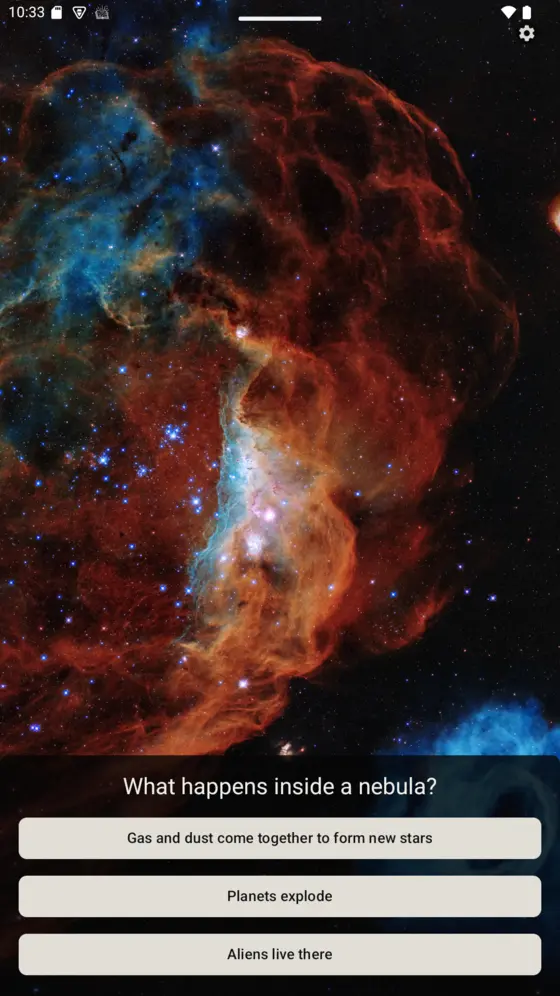

Real example slides from an engaged parent.
See it work
Ordinarily, the first thing a lit screen offers is something the algorithm chose. MindFeast offers the same moment with a parent in charge.
The tablet comes off the shelf, the same as any other day. MindFeast doesn’t block the moment, it meets it.
Before anything else opens, a slide you chose appears: a painting, a question from this week’s history, a gratitude prompt.
Your child answers, writes a line, or simply looks. Essays and gratitude entries are kept for you, behind a parent admin PIN.
The screen opens as usual and the moment carried something of value. You decide which slides are active and how many are asked per unlock.
The product family
Every MindFeast product is used in the founder’s home first. Each one was developed to empower individuals and leaves educational judgment with the family.

Flagship · Android
Beautiful, hand-curated content for the moments your kids reach for a screen.
Parent-curated slides: questions, art, music, essays, and gratitude prompts shown at the lock screen. Portrait and landscape, with AI-assisted authoring and a parent always reviewing the result.

Open source · AI agent
AI assistant to help with homeschooling tasks
An AI homeschool agent for records, planning, field trips, and printable materials, local-first and family-controlled. Charlotte turns finished lessons into MindFeast review slides, closing the loop between the schoolroom and the screen.

MindFeast · Spelling
Spelling help for kids
Kids say a word and get the spelling visually or audibly. Audio plays back with visual cues and words can optionally be hidden so kids can spell from memory.
Atmosphere · Education
Have your child wake to an atmosphere of education
From the journal
Essays on intentional inputs, home education, and building software.
Artificial Intelligence
Artificial Intelligence
Gratitude
Helping our children implement a gratitude practice gives them a positive framework for viewing life. It empowers them with an optimistic way of thinking that will help them succeed in life.
A note from the founder
MindFeast exists because I’m a homeschooling father who builds software, and I wanted my daughters’ ordinary screen moments to contain beautiful content of value that I could curate.
Everything here is used in our home first. My girls use the Spelling Helper to assist them in their writing and they engage with enriching content through the MindFeast Lockscreen. My wife and I use the Charlotte opensource AI agent to help with administrative tasks. We built these tools because we needed them.